
AI video dubbing and voice-over
in 10 languages
Dub every character with its own voice, keep the actors' original voices, add a narrator or just subtitles — for dramas, shorts and review videos. Studio transcribes, translates, casts the roles, generates AI voices and exports MP4, between 10 languages.
Get to know DubLocal Studio
in a single video
Every step of installing, activating and finishing a dubbing project: open a video, transcribe, translate, cast the roles and export MP4. The narration is in Vietnamese.
Hear each mode
on the same scene
Click to switch modes; the video keeps its place. Turn the sound on. (The demo dubs a Chinese drama into Vietnamese; English works the same way.)
Character dubbing
Every character gets its own AI voice, acted to the mood of the scene.
- Studio splits the roles; you change any role's voice
- Music and sound effects are kept
In the Export step, add a landscape 16:9 frame to post a vertical video on YouTube.
Step by step
in the real Studio app
Recorded in the latest DubLocal Studio, from opening a video to the finished MP4. The demo projects dub Chinese into Vietnamese; every language pair works the same way. Pick a step to watch it.
A finished video made with DubLocal Studio
A complete video exported from Studio: an AI voice for each character, new subtitles, a logo and channel name. Turn the sound on.
19 thumbnail styles made from your video's frames
Pick a frame and a style; Studio makes a thumbnail at the export's aspect ratio: 9:16 for TikTok, Shorts and Reels or 16:9 for YouTube and Facebook
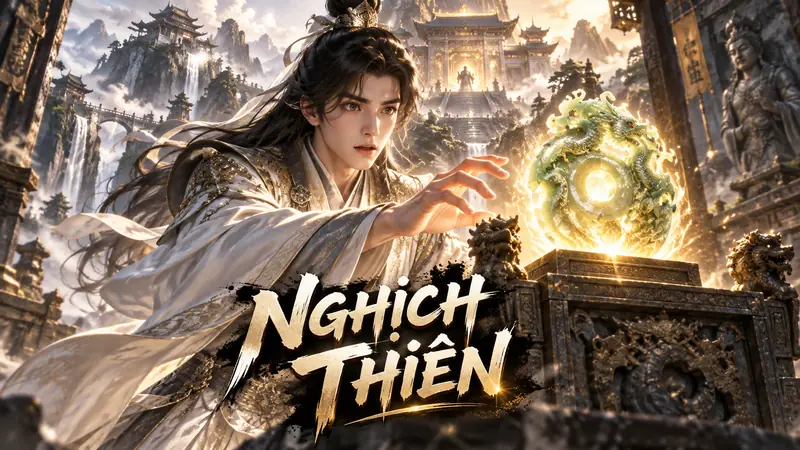 #01Palace intrigue
 #02Comedy
 #03Xianxia
 #04Adventure
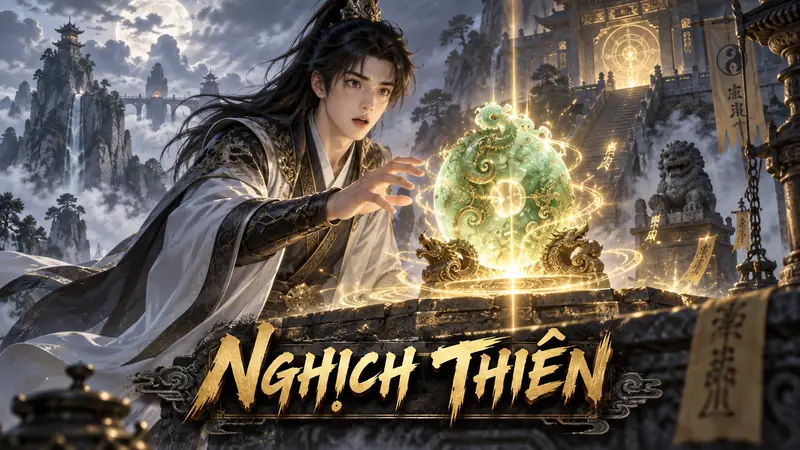 #05Mystic
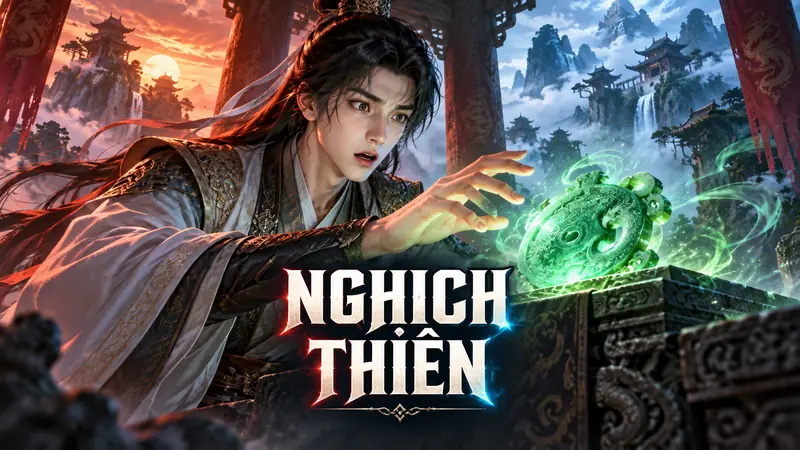 #06Rivalry
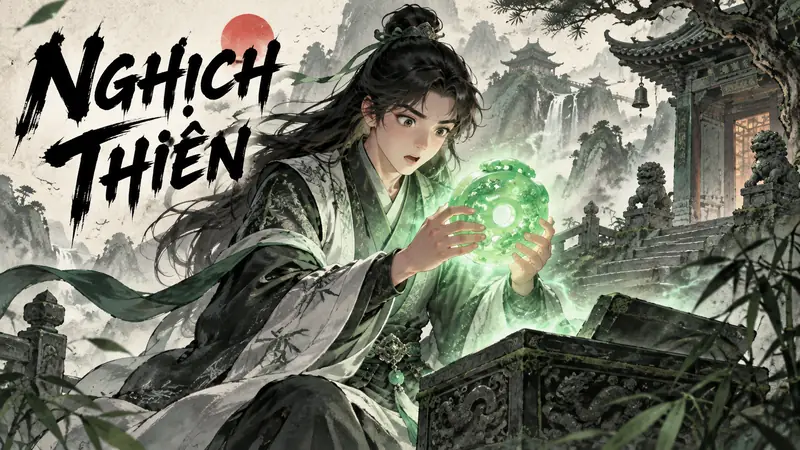 #07Wuxia
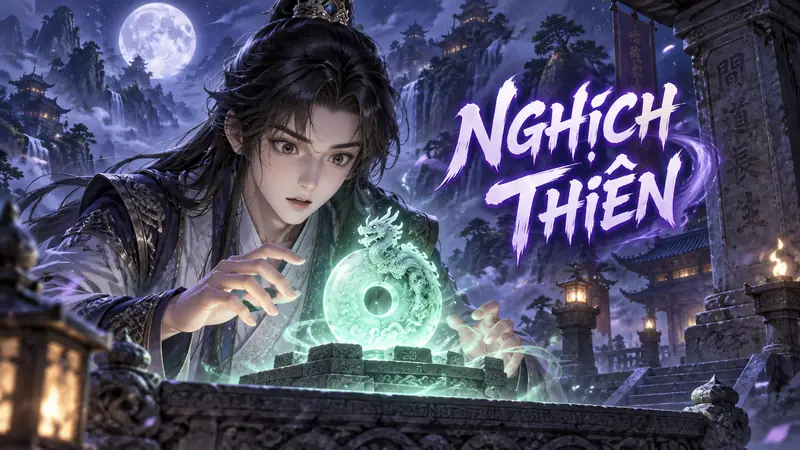 #08Mystery
 #09Slapstick
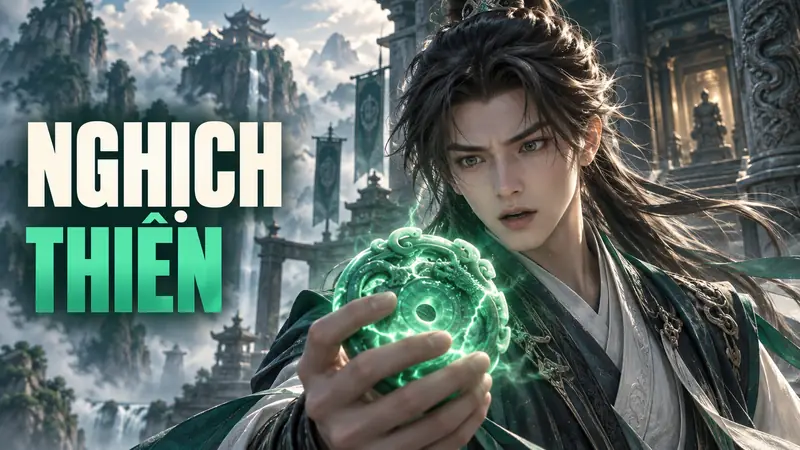 #10Cinematic
 #11Handcraft
 #12Action anime
 #13Watercolour
 #14Detective
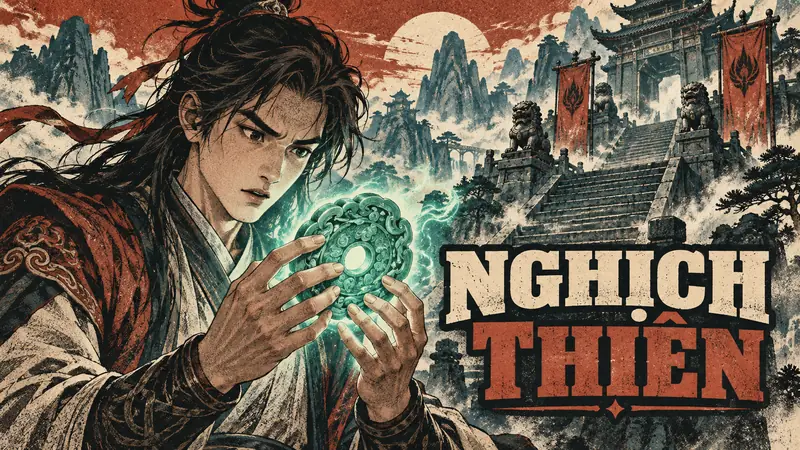 #15Vintage
 #16Fantasy
 #17Jianghu
 #18Royal
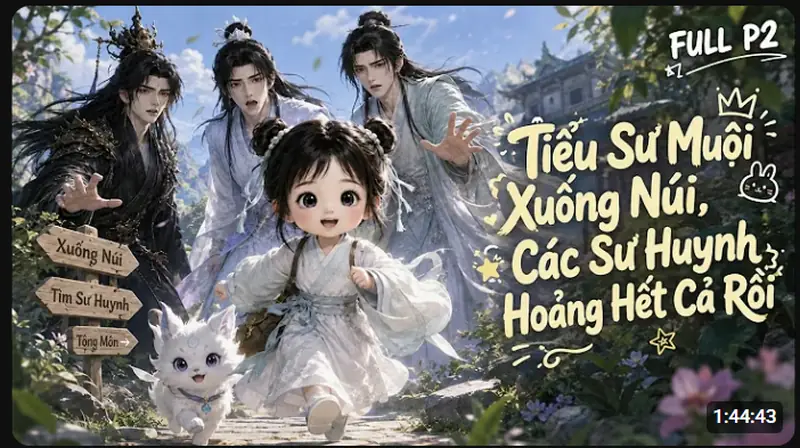 #193D chibi
One short video per feature
watch it, then do it
Short walkthroughs recorded in the real Studio. Choose a feature to watch on this page; each video shows its narration language.
What do you want to do with DubLocal Studio?
- Script to videoPaste a script, pick one of 84 styles: voice, pictures, music, subtitles.
- Text to speech MP3Paste text or drop many SRT, TXT files: an AI voice reads them into MP3, with SRT.
- Download, merge, split and cut ShortsDownload dramas, merge episodes, split long videos, cut 9:16 Shorts with a hook.
- AI video dubbing softwareDub any video between 10 languages, a voice for every character.
- Dub Chinese dramas into EnglishMandarin short dramas into English, with a voice for each character.
- AI voice-over for YouTubeOne natural narrator for reviews, recaps and explainers.
- Add English subtitles to a videoTranscribe, translate and export English subtitles as SRT or burned in.
- SRT to AI voiceAlready have subtitles? Get a voice that reads each line on time.
- Blur personal info in a videoFind and blur phone numbers, addresses and names in screen recordings.
- Product review videos with AIChatGPT writes the review in your style and prices; arrows point at the deal.
- Dub a drama series with the same voicesCharacters, voices and names carry from episode to episode.
- Animated video from a script66 cartoon and graphic styles, drawn to your script by your ChatGPT.
- Run several video channelsOne profile per channel, a watched folder and scheduled batches.
Hear the AI voices
built for drama dubbing
Play 6 acting voices from Studio's Vietnamese voice bank. In character dubbing, every character gets a voice that you audition on the video's own lines; dubbing into English and other languages uses Studio's multilingual voices.
Young, poised and resonant: made for heroes and wuxia leads.
Clear and expressive, moving easily between joy and sorrow.
Proud and authoritative, for empresses and palace-intrigue roles.
Deep, steady and slow, full of authority: for emperors, princes and court dramas.
Aged, unhurried, warm and low: for grandmothers, dowager matriarchs and the elders of a household.
Bright, clear and innocent: for young disciples and children.
6 things DubLocal does well
in your video workflow
Every step of the video in one window
“Run all” separates speech from music, transcribes the dialogue, translates and casts the roles; you review it and render the video.
Pay for time, not per minute
The license runs for a period of time. Long films and whole series cost nothing extra.
Character dubbing, original voices, narration or subtitles only
An AI voice per character, the characters' own voices, one narrator for the whole film, or just subtitles. Music and sound effects are kept.
Voices and subtitles follow every original line
Each translated line sits on the original's timing and the subtitles follow the new voice. Fix a line and regenerate just that line.
Projects stay on your computer
Videos and projects are saved on your PC; reopen and keep editing any time.
Channel logo, 16:9 frame and 19 thumbnail styles
Add a logo and channel name, blur old burned-in subtitles, choose the original frame, 9:16 or 16:9, and make a thumbnail in 19 styles.
How to dub a video on your computer
in 4 steps
The four tabs on Studio's left sidebar. You can review and edit every step.
Source
Drop in a video from your PC; choose the original language and the dubbing language.
Script
Click “Run all” to transcribe, translate and split the roles. Edit any line in the table.
Voices
Give each character a voice, or pick one narrator, and listen line by line.
Export
Add your logo and channel name, choose the frame and thumbnail, then render MP4 with subtitles.
Dubbed dramas, shorts, reviews
and videos in any of 10 languages
From the source video to an MP4 ready for YouTube, TikTok and Facebook.
Voice-over for YouTube
Narrate reviews, explainers and shorts with an AI voice; edit the script line by line before exporting.
AI voice-over for YouTube videos →Dubbed short dramas
Dub short dramas and AI films character by character: a voice for each role, or the characters' own voices.
Dub Chinese dramas into English →Translate videos
Transcribe Chinese, Korean, Japanese, Vietnamese… dialogue, translate it into the language you choose and export subtitles alongside the dub, in one project.
Add English subtitles to a video →Long videos and series
A time-based license instead of the per-minute billing of most online dubbing apps.
AI video dubbing software →Dubbing between 10 languages
Vietnamese, English, Chinese, French, Thai, Japanese, Korean, Spanish, Indonesian and German, in any pair: Chinese → English, English → Spanish, Korean → English.
AI video dubbing software →Questions about AI video dubbing with DubLocal
What is DubLocal?
Windows software for dubbing, voice-over and subtitles for films, shorts and review videos, between 10 languages.
Does DubLocal translate the video for me?
Yes. Studio transcribes the dialogue and translates it into the language you choose; you can correct every line before dubbing.
Are my videos and projects uploaded to DubLocal's servers?
No. Videos and projects stay on your computer; only the dialogue to translate is sent to the translation tool you choose.
Can I export the dubbed video with subtitles?
Yes. Studio renders a dubbed MP4 with subtitles and also exports an SRT file.
What computer do I need?
Windows 10 or 11. An NVIDIA graphics card with 4 GB or more is fast; computers without one still work, more slowly, on the CPU.
Is it billed per minute of video or by plan?
By time period, never per minute of video. Plans are shown on your account page.
Can it dub AI short films and shorts?
Yes. AI short films, AI animation, shorts and live-action films all follow the same workflow.
Can I run a review or dubbed-drama channel on YouTube or TikTok with it?
Yes. Studio exports MP4 ready to upload. Use videos you have the rights to, so they are not taken down for copyright.
How is DubLocal different from online AI dubbing websites?
Studio runs on your own computer, lets you edit every line, role and voice before exporting, and is licensed by time period instead of per minute of video.
How do I dub a video with AI?
Open the video, choose the two languages, click “Run all”, fix any lines that need it, pick a voice for each character and export MP4. The tutorial near the top of this page walks through every step.
Which languages can DubLocal dub?
10 languages, in either direction: Vietnamese, English, Chinese, French, Thai, Japanese, Korean, Spanish, Indonesian and German. Dubbing into languages other than Vietnamese needs the Multilingual pack, installed from inside Studio.
One plan, as many videos as you like
Card payment for international customers is coming soon.
- Every Studio update is included while your license runs.
- Unlimited videos, scripts and export length.
- One computer per account; switch computers from your account page.
- Pay by card, PayPal, Apple Pay, Google Pay or Binance (USDT), or redeem a trial code.
Your videos
stay on your computer
Processed on your PC
Transcription, voice generation and rendering run on your own computer.
No videos on our servers
DubLocal's server only manages your account and activated computer; it never stores videos, scripts or audio.
Work with us & join the community
of DubLocal video creators
Plans for production teams
Need DubLocal on several computers? Get in touch and we will suggest a plan.
- Advice on seats and team workflows
- Setup help for the whole team
Partnerships
Want to introduce DubLocal to your audience? Write to us.
- Benefits and terms discussed case by case
- Agreed in writing before we start
Telegram support group
Setup help, how-tos and news of new versions, straight from the developers.
- Questions about setup and use
- Feature ideas and video-making tips