
Convert SRT subtitles to an AI voice-over, timed to every line
If you already have an .srt file for your video, DubLocal Studio can read it aloud with an AI voice, line by line in each line's own time slot, and render the result as an MP4. No speech recognition and no ChatGPT needed.
Card payment for international customers is coming soon.
Updated October 2026 · The DubLocal team
How to turn an SRT file into speech
- 01
Open the video
Choose the output language that matches the language of your subtitles.
- 02
Import the SRT
Under “Already have subtitles?”, choose your .srt file; every line comes in with its timing.
- 03
Choose a voice
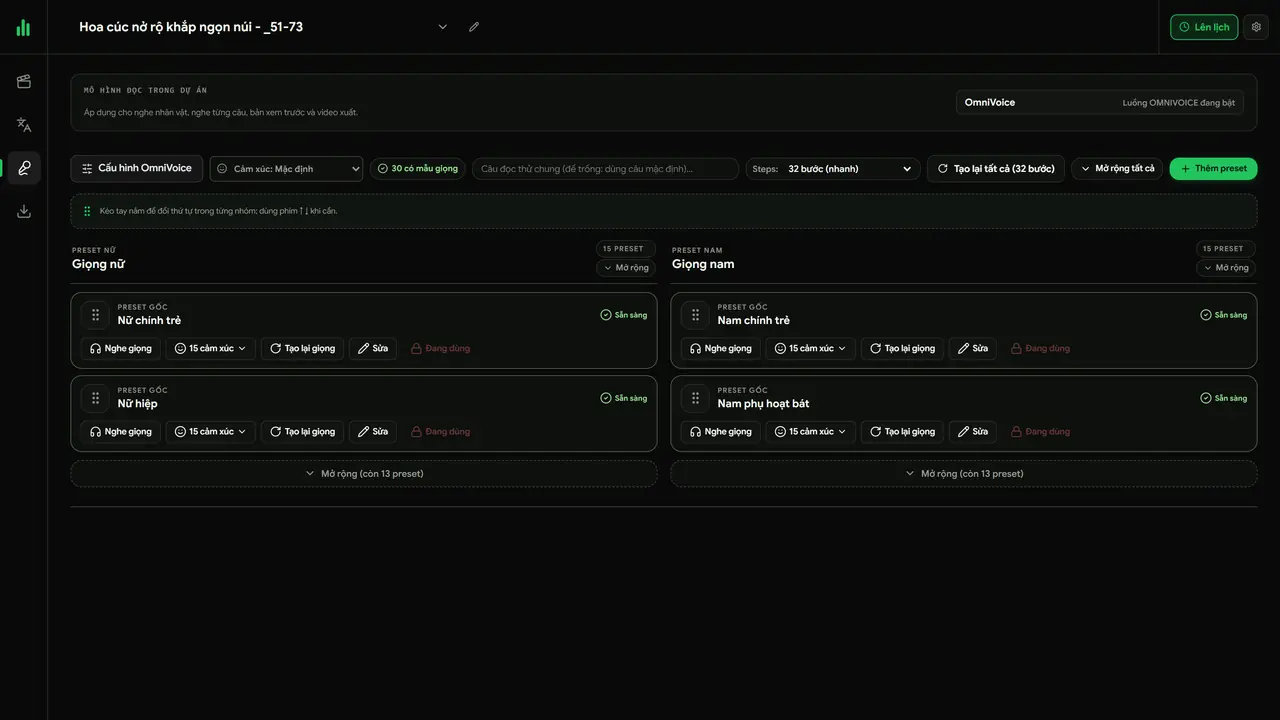
Pick an AI voice in the Voices step and listen before generating.
- 04
Generate and export
Studio reads each line on its timing and renders the MP4, with subtitles on screen if you want them.
Generating voices from an SRT file (Vietnamese narration)
Importing an SRT file in Studio and generating a voice that reads each subtitle line on time.
Timed to the subtitles
Each subtitle is read inside its own time slot, so the voice matches the picture. To change the pace of one line, drag its block on the timeline: longer reads slower, shorter reads faster.
Many videos at once
In batch mode, drop each video with an .srt of the same name, for example clip1.mp4 and clip1.srt. Studio voices every video from its own subtitles and can export the MP4s right after.
Who it is for
Anyone who already has the right words and only needs the voice:
- Channels with subtitles from a translation team or another tool
- Recaps and reviews with narration written ahead as SRT
- Courses and tutorials with existing subtitle files
Watch DubLocal Studio from start to finish (Vietnamese audio)
The tutorial covers installing, opening a video, transcribing, translating, casting, generating voices and exporting MP4.
Frequently asked questions
Does the SRT have to be in the voice-over language?
Yes. The voice reads the subtitle text as written, so English subtitles give an English voice-over.
What if a line is too long for its time slot?
Lengthen its block on the timeline or shorten the text; Studio reads a line slower or faster to fit the time you give it.
Do I need ChatGPT or speech recognition?
No. The words come straight from your subtitle file.
Can I keep the subtitles on screen?
Yes. Turn subtitles on in the Export step to burn them into the video as well.