
Dub Chinese dramas into English, character by character
Short dramas from China move fast and have a lot of characters. DubLocal Studio transcribes the Mandarin dialogue, translates it into English, works out who is speaking and lets you give each role its own English AI voice, then exports a vertical or landscape MP4 ready to post.
Card payment for international customers is coming soon.
Updated October 2026 · The DubLocal team
How to dub a Chinese drama into English
- 01
Open the episode
Choose Chinese as the original language and English as the dubbing language.
- 02
Transcribe and translate
Run all: Studio writes out the Mandarin with timings and translates every line into English.
- 03
Check the speakers
See how many lines each character has and move any line given to the wrong person.
- 04
Cast English voices
Pick a voice per role and audition it on the episode's own lines, or keep the actors' voices.
- 05
Export for social
Burn English subtitles over the Chinese ones, add your logo and export 9:16 or 16:9.
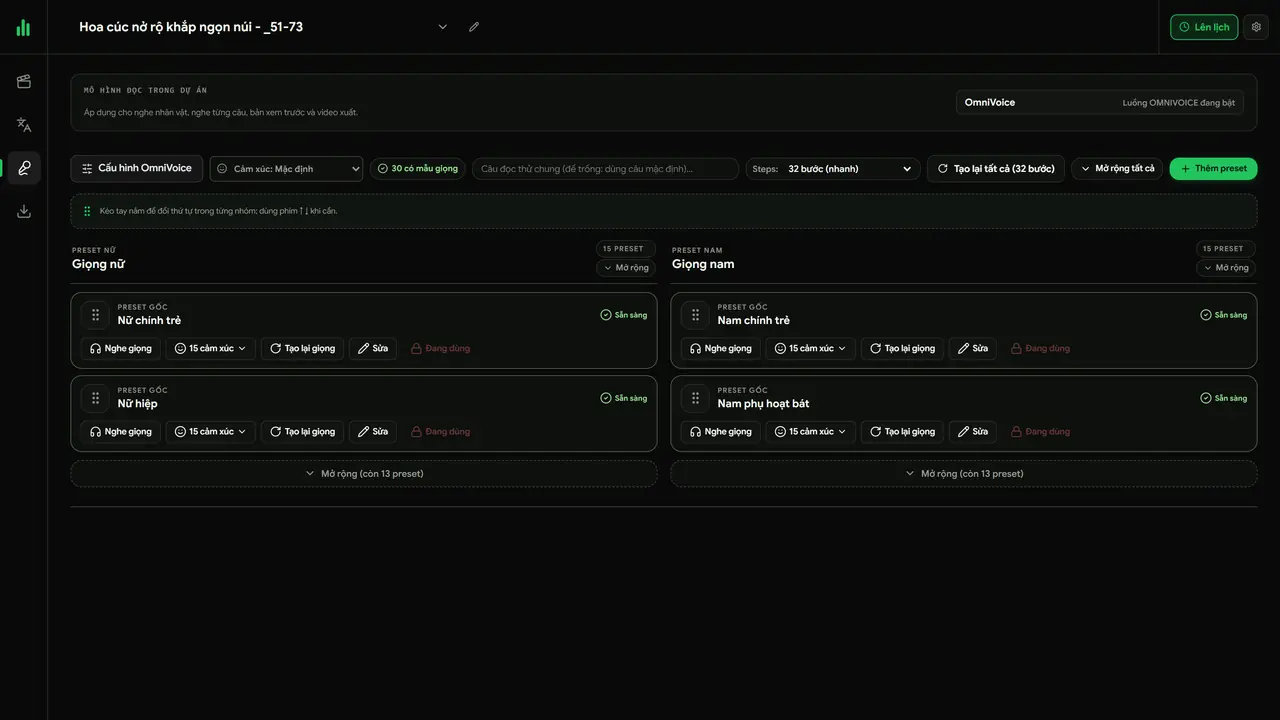
Splitting the roles and choosing voices
Studio splits the dialogue by character; you give each role a voice, listen, then render a preview.
Built for short dramas
Episodes with dozens of characters, quick cuts and burned-in Chinese subtitles are exactly what Studio was made for. New English subtitles are placed over a blurred band so the old Chinese text does not show through.
Keep the actors' voices if you prefer
The Original voices mode samples each character from the dialogue in the video and makes them speak English in their own voice, so viewers still recognise them. It needs the Multilingual pack, installed from inside Studio.
Whole series in batch
Batch mode takes a whole folder of episodes, one project each, and can run transcription, translation and export overnight.
Use content you have the rights to
Dub dramas you own, have licensed or have permission to use. DubLocal is an editing tool and does not help get around copyright systems such as Content ID.
Watch DubLocal Studio from start to finish (Vietnamese audio)
The tutorial covers installing, opening a video, transcribing, translating, casting, generating voices and exporting MP4.
Frequently asked questions
Can AI dub a Chinese drama into English?
Yes. Studio transcribes the Mandarin, translates it into English and reads every line with an English AI voice that follows the original timing. You can edit any line before rendering.
How is the translation done?
With your own ChatGPT account inside Studio, or by pasting a translation you made elsewhere. Every line stays editable.
Can I give each character a different English voice?
Yes. Studio separates the speakers; you assign a voice per character and audition it on that character's lines.
What about the Chinese subtitles burned into the video?
Studio blurs the original subtitle band and places the English subtitles over it.
Can I export vertical videos for TikTok and Shorts?
Yes. Export in the original frame, vertical 9:16, or landscape 16:9 for YouTube, from the same project.